

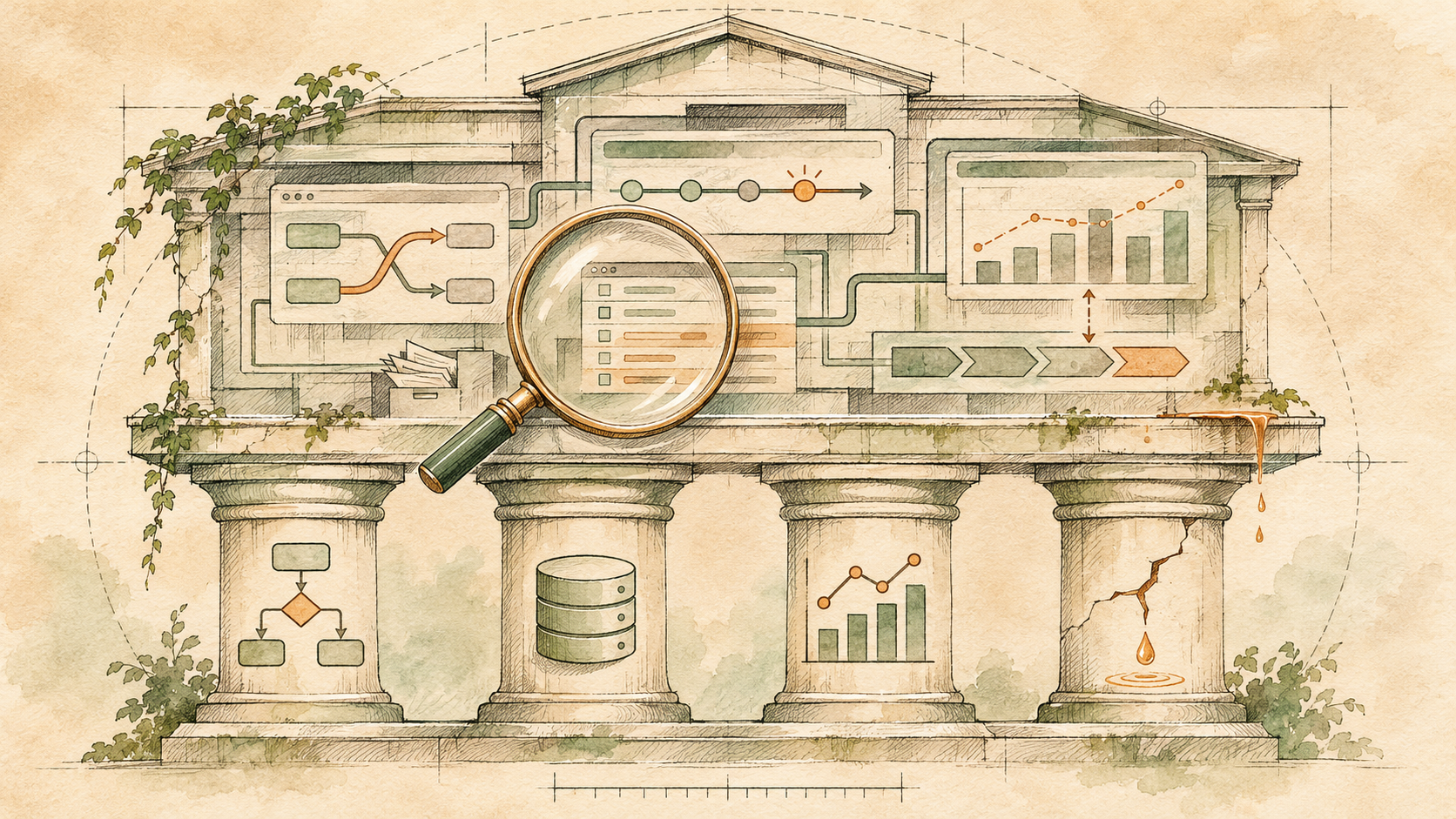
TL;DR A HubSpot portal audit is a structured review of how data, lifecycle logic, automation, and reporting work together across your portal. It scores the portal on four pillars (data integrity, funnel visibility, automation coverage, and reporting trust), traces each problem to its cause, and puts the fixes in order. Scope it to one business process, inventory before you change anything, map which workflows write to which properties, and test reports against deals you know closed. Then put governance in place, or the same problems return within a few quarters.
Most HubSpot portals do not fail dramatically. They decay. A workflow fires on the wrong contacts. A lifecycle stage advances without updating the properties downstream systems depend on. A report says one thing while the pipeline review says another.
Nobody can pinpoint when it started, because nobody audited the portal before the next campaign, the next hire, or the next integration.
I run portal audits the same way every time: score the portal against four pillars, trace each finding to the property, workflow, or setting that caused it, and hand back a prioritized list rather than a pile of observations. This guide walks through that process. It covers how to scope an audit, what to look for at each layer, how to tell whether a self-serve diagnostic is enough or a paid audit is warranted, and how to build the governance that keeps the problems from coming back.
What is a HubSpot portal audit?
A HubSpot portal audit is a structured review of every operational layer in a portal: properties, objects, workflows, lifecycle stages, pipelines, integrations, and reports. It documents what works, what is broken, and what is quietly degrading data and automation quality, then traces each problem to its cause. It is a diagnostic, not a cleanup.
An audit is not a feature tour. It maps how data moves through the system, where it gets stuck or corrupted, and what those failures do downstream.
A contact with no owner after a form submission. A deal sitting in the wrong stage because a workflow branch references a deleted property. A report that counts the same contact twice because of duplicate records. These are the findings an audit surfaces, and each one has a specific cause somewhere in the portal.
The practitioner read Many teams treat portal maintenance as cleanup: deleting old lists, archiving unused properties, merging a batch of duplicates. Cleanup removes clutter. An audit shows why the clutter keeps coming back, and that is the part that changes how the portal behaves next quarter.
When does a HubSpot portal need an audit?
Usually after 12 to 18 months without a structured review, or sooner if leadership has stopped trusting pipeline numbers, marketing and sales disagree on what counts as a qualified lead, or reports that once matched now contradict each other. An audit is also worth doing before any major change, such as an AI agent rollout, a migration, or a portal consolidation.
HubSpot portals accumulate technical debt the same way codebases do. Every new campaign, every imported list, every workflow someone built to solve a Friday afternoon fire adds a layer. After a year or so without a structured review, most mid-market portals carry enough accumulated logic that nobody on the team can explain every active workflow.
The symptoms show up in predictable places. Leadership stops trusting pipeline numbers. Marketing and sales disagree on what counts as a qualified lead. Reports that once matched now contradict each other, because the underlying properties changed and the filters did not.
According to LeanData's 2026 B2B State of Martech and Revenue Operations Report, 82% of enterprise B2B leaders agree that clean data and reliable routing must come before scaling AI, yet only one in three have the systems to support it. A portal audit is how you close that gap.
What are the four pillars of a HubSpot portal audit?
Data integrity, funnel visibility, automation coverage, and reporting trust. Data integrity asks whether you can trust the records. Funnel visibility asks whether you can trace a contact from first touch to closed deal. Automation coverage asks whether workflows are doing intentional work. Reporting trust asks whether leadership can defend the numbers. Weakness in any one compromises the others.
I review the four together because they depend on each other. Reviewing them in isolation misses the point.
Data integrity
Data integrity is the foundation, and it answers a direct question: can you trust the information in your CRM? This pillar examines duplicate records, missing required fields, inconsistent property values, and contacts with no clear owner. If your database is 30% duplicates, every report built on top of it is wrong by at least that margin.
Common findings include contacts created by integrations with no lifecycle stage, company records with mismatched industry values across associated contacts, and custom properties with dozens of one-off values that should have been standardized. I score each of these by severity so the team knows what to fix first.
Funnel visibility
Funnel visibility measures whether you can trace a contact from first touch to closed deal (or, for nonprofits, from first gift to ongoing stewardship) with clear stage transitions at each step. If you cannot see where leads stall, convert, or fall out, you cannot improve the path.
This part of the audit examines lifecycle stage definitions, deal stage criteria, and the automation that moves records between them. Misalignment between lifecycle stages and deal stages is one of the most common findings. Contacts advance to MQL without meeting the criteria marketing and sales agreed on. Deals move forward while the associated contact's lifecycle stage stays behind.
Automation coverage
Automation coverage checks whether your workflows are doing intentional work or just running. I inventory every active workflow, map enrollment triggers, identify workflows that write to the same property, and flag automations that reference deleted lists, stages, or properties.
Mid-market portals commonly run 100 to 300 workflows. In most audits I run, fewer than half serve the current go-to-market strategy. The rest are legacy automations from campaigns that ended, onboarding sequences for products that changed, or duplicate logic built by different people independently. Anthony's seven-point workflow audit covers how to check each workflow on its own; the portal audit adds a consolidation plan that keeps the automation you depend on.
Reporting trust
Reporting trust is the output layer. If the data is dirty, the lifecycle logic is broken, and the workflows are conflicting, the reports reflect all of it.
The audit evaluates whether your dashboards answer real business questions, whether the filters match current property values, and whether leadership can defend the numbers in a board meeting. A common pattern: marketing reports attributed revenue with one set of filters, sales reports pipeline with another, and the two totals never reconcile.
I trace each discrepancy back to the specific property, workflow, or lifecycle definition that caused it. If your reports don't match reality, this is where the diagnosis happens, and my guide to tracing pipeline mismatches walks through the reconciliation itself.
How do you scope a HubSpot portal audit?
Pick one business process that matters, such as lead-to-close, donor onboarding, or customer renewal, and define the objects, pipeline, workflows, and time window you will inspect. Record who has access and what "normal" looks like for that process. A bounded scope produces findings a team will act on. An unbounded one produces a list nobody reads.
Trying to review everything at once usually produces an unprioritized list of findings that nobody acts on. So I start with one process and define its edges: which objects, which pipeline, which workflows, which time window.
Record the portal identity, which assets are in scope, who has access to review them, and what a valid stage transition looks like for this process. If nobody can explain what a valid transition looks like, that is the first finding.
For teams running HubSpot alongside Salesforce or another CRM, the integration mapping belongs in scope. Sync conflicts, duplicate creation from two-way sync, and field mapping mismatches are among the highest-impact findings in multi-system environments.
How do you run a HubSpot portal audit, step by step?
Work in this order: build a complete inventory, identify the business-critical workflows, map which workflows write to which properties, audit lifecycle stage logic, test reporting against deals you know closed, then score and prioritize every finding. Sequence matters, because deleting workflows before you understand property dependencies breaks automation you did not know existed.
Step 1: Build a complete inventory
Before changing anything, catalog every active workflow, custom property, active list, form, and integration. For each workflow, record its name, purpose, owner, status, last modified date, and the business process it supports. This step alone often turns up workflows nobody remembers creating and duplicate automations with different names.
Step 2: Identify business-critical workflows
Not every workflow deserves the same scrutiny. Prioritize the ones responsible for lead routing, lifecycle stage updates, lead scoring, deal creation, customer onboarding, and internal notifications. A mistake in any of these reaches past marketing operations into revenue and customer experience.
Step 3: Map property dependencies
Properties are the hidden links between workflows. A single property like Lifecycle stage, Lead status, or Contact owner might be updated by several automations. Identify which workflows write to each critical property, whether different workflows write conflicting values, and whether those changes trigger more automation downstream.
This step regularly uncovers conflicts that are invisible when you review workflows one at a time. Two workflows writing different values to the same property is the most common source of unreliable reporting I find in HubSpot.
Step 4: Audit lifecycle stage logic
Check that every lifecycle stage has a documented definition, clear entry criteria, and an automated transition that moves records forward without manual intervention. Verify that no workflow moves contacts backward to an earlier stage, which is a frequent finding in portals where lifecycle logic was built piece by piece.
Confirm that each stage change triggers the writes the downstream process depends on: date-entered timestamps, owner assignment, and any notification or task. A stage change without those writes is a gap in the funnel report.
Step 5: Test reporting against known outcomes
Pull a sample of recently closed deals and trace them backward through the system. Does the contact's lifecycle stage history match? Does the attribution report credit the right source? Does the deal amount match the company record?
Where these diverge, you have found the point where the system's version of reality and the business's version parted ways.
Step 6: Score and prioritize findings
Categorize every finding by business impact, confidence, dependency risk, and remediation effort. High-impact findings with high confidence and low dependency risk go to the top. Findings with incomplete evidence get flagged for investigation, not remediation.
Give every finding one next decision: fix, investigate, keep, or defer. "Keep" is useful when a warning turns out to be a false positive. "Defer" should come with a reason and a date to revisit.
How do workflow conflicts cause revenue leakage?
When two workflows enroll the same contact and write different values to the same property, the outcome depends on execution order, not business logic. Owner assignment, deal creation, and SLA clocks all inherit that uncertainty, and HubSpot shows no error. The result is leads that look handled in the CRM while nobody is working them.
Workflow conflicts are the most underestimated cause of revenue loss in HubSpot. Consider a common scenario. Workflow A advances a contact to MQL when they hit a lead score threshold. Workflow B sets the same contact to SQL when a rep qualifies them. If both fire within the same window, the final lifecycle stage depends on which one runs last, and the downstream deal creation, owner assignment, and SLA clock inherit that uncertainty.
The damage compounds. Reports built on lifecycle stage counts show the wrong conversion rate. The timestamp on the stage change no longer matches the real qualification event. Reps lose trust in the data and go back to spreadsheets.
My guide to finding conflicting workflows shows how to track these down from property history. Preventing them takes workflow governance: a documented review of enrollment triggers and property writes before any new automation goes live. I build that governance layer into every HubSpot Architecture engagement.
Is a self-serve diagnostic enough, or do you need a paid audit?
A self-serve diagnostic is enough when you need direction: which pillar is weakest, and whether there is a problem worth funding. A paid audit is warranted when you already know the portal has problems and need scored, prioritized findings with remediation steps, especially before an AI agent rollout, a portal consolidation, or a board cycle.
When a self-serve diagnostic is enough
The Focus+Scale Growth Gap Report is a 12-question scorecard that rates your portal across the same four pillars. It takes about three minutes, returns a scored result, and shows which pillar needs attention first. It is the right starting point if you are not sure whether your portal has a problem, or if you need evidence to build internal support for a larger project.
If you want to go further on your own, my pre-audit checklist covers seven places to look for revenue leakage with nothing more than saved views and standard reports.
When a paid audit is warranted
A paid audit makes sense when you already know the portal has problems and need a scored, prioritized findings report with specific remediation steps. That is typically the case when you are preparing for an AI agent rollout, when leadership no longer trusts the numbers, or when you are consolidating portals after an acquisition.
The Focus+Scale HubSpot Portal Audit maps the full portal against the four pillars and delivers a partner-reviewed findings report with specific recommendations. The fee credits toward an implementation or migration booked within 30 days, so the investment rolls forward if you act on the findings.
What should a HubSpot portal audit report include?
Scored findings mapped to the four pillars, a root cause for every finding, a remediation plan grouped by impact and effort with an owner and a date on each item, and governance recommendations so the problems do not return. A report that only lists what is wrong is a starting point, not an audit.
Scored findings by pillar
Each finding is mapped to one of the four pillars and scored by severity. A routing failure that sends leads to an unmonitored inbox outranks a cosmetic property label. The scoring gives the team a shared language for prioritization.
A root cause for each finding
"Your reports are inaccurate" is not actionable. "The MQL conversion rate in Dashboard X is inflated by 18% because Workflow Y re-enrolls contacts who were already counted" is. Every discrepancy should trace to the specific property, workflow, or configuration that caused it.
A prioritized remediation plan
Group findings into immediate fixes (high impact, low effort), planned projects (high impact, higher effort), investigations (not enough evidence to act), and deferred items (low impact, revisit on a set date). Each item needs an owner and a deadline.
Governance recommendations
Findings only hold their value if the problems stay fixed. The report should include workflow governance rules (who can publish new workflows, and what review is required), property governance standards (how new properties are created and documented), and a recurring audit cadence. Quarterly is the minimum for an active portal.
How do you keep a portal healthy after the audit?
Put governance on the three places decay starts: workflows, properties, and reporting. Review every new workflow for trigger overlap and property writes before it goes live, give every property a naming convention, a group, and an owner, and run a lightweight audit each quarter with a full audit once a year.
An audit without governance is a one-time fix. The problems return the moment someone builds a workflow without checking for conflicts, imports a list without following the standards, or adds a property without updating the data dictionary.
Workflow governance
Every new workflow should go through a short review that checks enrollment triggers for overlap, confirms its property writes do not collide with other automation, and gives it a documented owner and purpose. The five workflow rules I use keep "workflow soup," the build-up of conflicting, undocumented automation nobody can explain, from forming in the first place.
Property governance
New properties should follow a naming convention, belong to a documented property group, and have an owner responsible for data quality. Archive unused properties on a quarterly schedule, and limit who can create new properties or edit values in critical fields.
Recurring audit cadence
Run a lightweight audit every quarter focused on the highest-risk areas: workflows created since the last review, properties with falling fill rates, and reports whose numbers no longer match closed revenue. A full audit once a year keeps the foundation stable while the quarterly checks catch drift early.
Should you audit your portal before turning on HubSpot AI agents?
Yes. Every agent inherits its CRM. AI tools in HubSpot, including Agent Hub agents and Breeze Assistant, act on whatever data, lifecycle logic, and workflows the portal already has, only faster. An audit before rollout shows what to fix first, so the agents act on records your team already trusts.
If the data is dirty, the lifecycle logic is broken, and the workflows are conflicting, an AI agent will act on all of it faster than a person would. The result is not just wrong. It is wrong at scale.
Before rollout, clean the data, document the automation, and set human handoff points for anything customer-facing. I wrote more about what "ready" actually means before you turn an agent on. Focus+Scale's AI Readiness work builds that foundation first, then puts the tools on top. Teams that skip this step end up debugging AI outputs instead of benefiting from them.
What are the most common portal audit mistakes?
Deleting workflows before mapping property dependencies, assuming inactive workflows are unnecessary, making several changes at once, auditing the system without the business context behind it, and treating the audit as a one-time project. Each one either breaks something new or lets the old problems return.
The most frequent mistakes are procedural, not technical. Deleting workflows before mapping property dependencies breaks downstream automation you did not know existed. Some inactive workflows were turned off on purpose and still serve a documented role. Making several changes at once makes it impossible to tell which fix helped and which one broke something.
Auditing the portal without the business process is another. A property with a low fill rate looks like a problem until you learn it only applies to one customer segment. The audit needs business context, not just system configuration.
The last mistake is treating the audit as a one-time project. Without governance, the same problems come back within two to three quarters.
So where should you start? If you suspect problems but cannot size them, take the Growth Gap Report. If you already know the portal needs work, a paid audit with prioritized findings is the faster path. Either way, the audit is step one. Governance is what makes the results hold.
Frequently asked questions
What does a HubSpot portal audit cost?
Cost depends on portal complexity, the number of hubs in use, and integration scope. Focus+Scale structures its paid HubSpot Portal Audit so the fee credits toward an implementation or migration booked within 30 days. For a quick read on where a portal stands before committing, the self-serve Growth Gap Report gives a scored starting point.
How long does a HubSpot portal audit take?
A scoped audit of one business process typically takes one to two weeks. A full portal audit across all four pillars, with remediation recommendations, takes two to four weeks depending on the number of workflows, integrations, and custom objects in the portal.
Can I audit my HubSpot portal myself?
Yes, for most symptoms. HubSpot's built-in data quality tools, saved views, standard reports, and a manual workflow review will surface a lot. What a self-audit rarely shows is the cross-pillar picture: how a property issue in one workflow creates a reporting discrepancy three layers downstream. That tracing from symptom to cause is what a partner-led audit adds.
How often should I audit my HubSpot portal?
Run a lightweight review every quarter focused on new workflows, property drift, and reporting accuracy. Run a full audit once a year, and before any major system change, such as an AI agent rollout, a portal migration, a CRM consolidation, or a significant team restructure.
What is the difference between a portal audit and a data cleanup?
A data cleanup removes duplicates, fills missing fields, and standardizes values. A portal audit evaluates the system that caused the data problems: workflow logic, lifecycle definitions, property governance, and reporting configuration. Cleanup treats the symptoms; an audit finds the cause. Doing the audit first shows which data problems are worth fixing and which will come back regardless.
Not sure which pillar is costing you the most?
Book a Focus+Scale HubSpot Portal Audit: we score your portal across all four pillars, trace each finding to its cause, and put the fixes in the order that matters most.
Get in Touch →